21
Sep
2009
We’re excited to introduce two new IntenseDebate Plugins: AddThis and Facebook Share buttons for your posts!
 Facebook Share Button
The Facebook Share button provides your readers with an easy way to share your blog post with all of their Facebook friends. Now you can install the Facebook Share Button with one click through your IntenseDebate Plugins page. Hats off to Dog Lover for developing this plugin! Make sure you check out Dog Lover’s other plugin, TweetMeme Retweet Button.

AddThis Share Button
AddThis is a bookmarking and sharing service. Enabling the AddThis button gives your readers the ability to share your blog post with their friends through a variety of online services (in addition to Facebook). Many thanks to tylerabell for his contribution!
We love offering new ways to enrich your blog and comment section with additional third party services with just a simple mouse click. Just like our other IntenseDebate Plugins, like PollDaddy Polls, Seesmic Video comments, Smiley, and YouTube (among others), there’s no need to mess around with any code in your template. We do it for you. All you have to do is activate it!
Learn more about our Plugins and Plugins API.
Posted by Michael Koenig in features
18
Sep
2009
Our last blog post announced our redesign of the Edit Profile pages where you manage your IntenseDebate user account. We’ve continued to make our way across other pages in your IntenseDebate.com account, and we’re pleased to introduce our latest redesigns of your account Dashboard and Following pages.
Your Dashboard has had an overhaul and a bit of a face lift to match the new design style, while the Following page has been reorganized and is now easier to maintain.
One of the most noticeable changes to the layout is the sidebar. We’ve added additional tabs to the sidebar for your Dashboard and Following pages, which we think drastically improves ease of navigation. This is a theme that you will continue to see as we set our sights on your blog admin pages.
The coolest part about our redesign is that this is giving us a chance to cleanup and update our CSS and other background code, which fits in with our future plans for localizing IntenseDebate.com. We have just begun our localization project for the comment section interface, so localizing IntenseDebate.com is a longer-term project. Keep an eye out for another localization progress update coming soon.
We’re rolling this out slowly to minimize shell-shock that normally accompanies major interface changes. We’re always interested in feedback, so let us know what you think about the redesign.
Posted by Michael Koenig in features
11
Sep
2009
One of our ongoing projects has been revamping all of the useful pages in your account at IntenseDebate.com. We’ll be the first to admit it, there’s a ton of awesome features in your profile but they need to be better organized so you can find them all! We don’t want you to be overwhelmed with too many sudden changes, so we’ve been rolling out small changes over the past several weeks, some of which have likely gone unnoticed, until now…
We have released two major changes. The first is our stylish new home page at IntenseDebate.com. Since you have to be logged out of your IntenseDebate account in order to see the front page (click here to logout), you might not have noticed that one. But, the next change you will undoubtedly notice when you’re logged into your account, and that’s your shiny new Edit Profile page.
So what’s new?
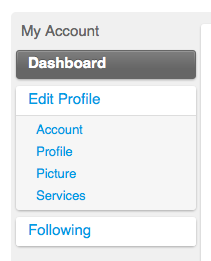
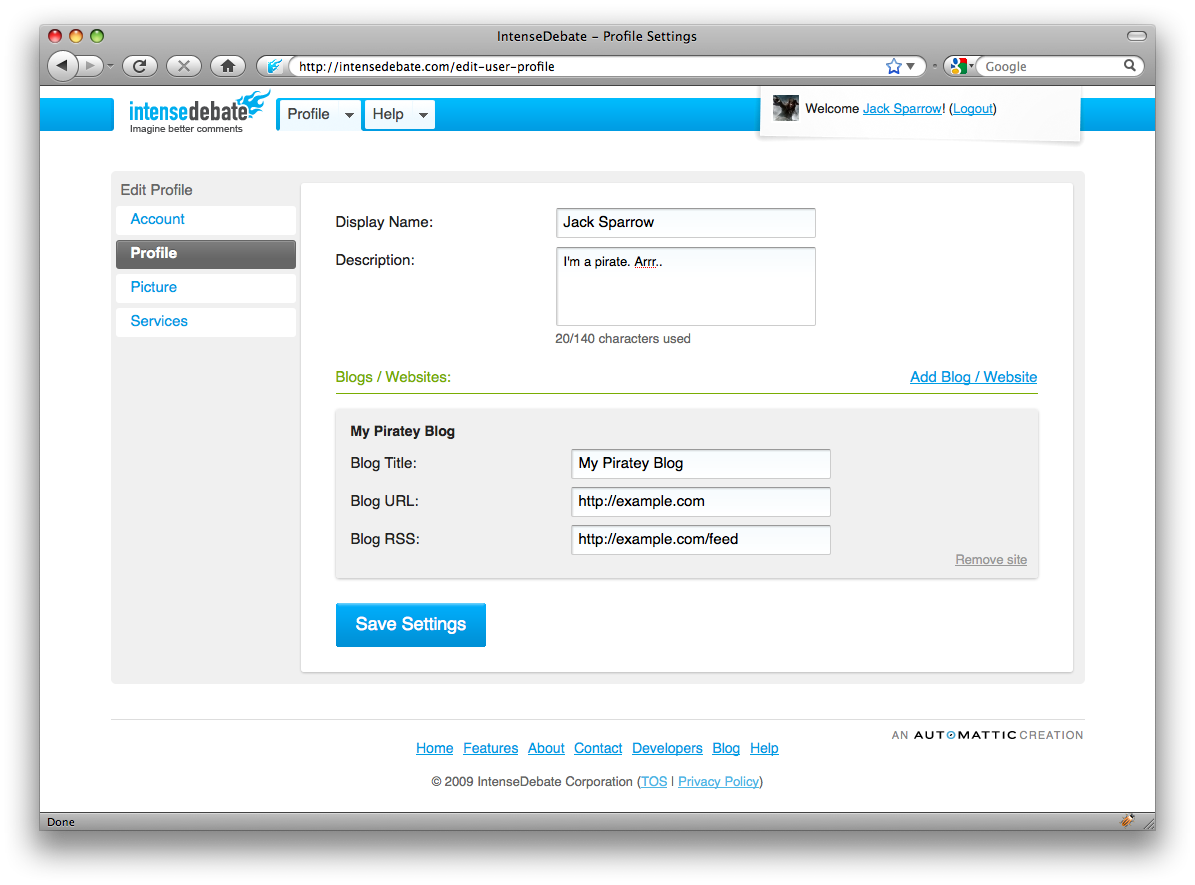
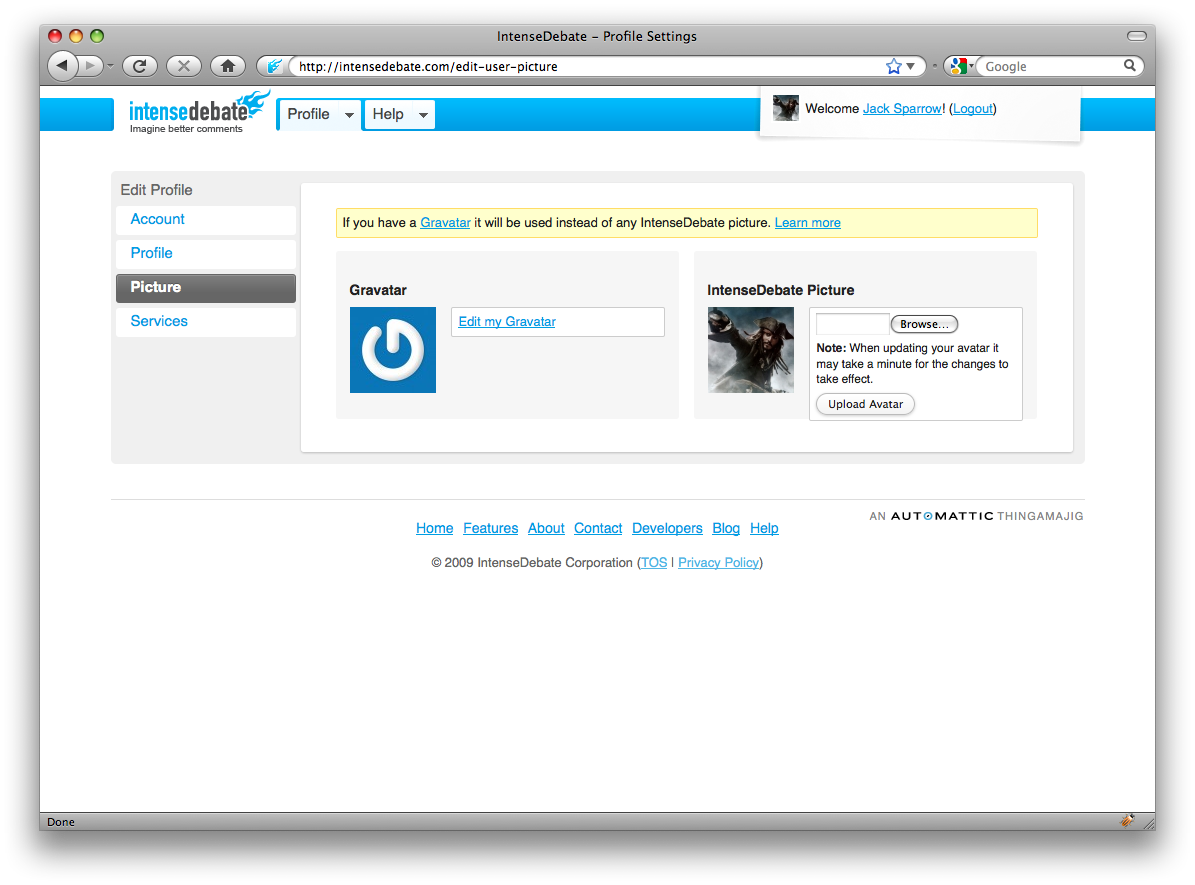
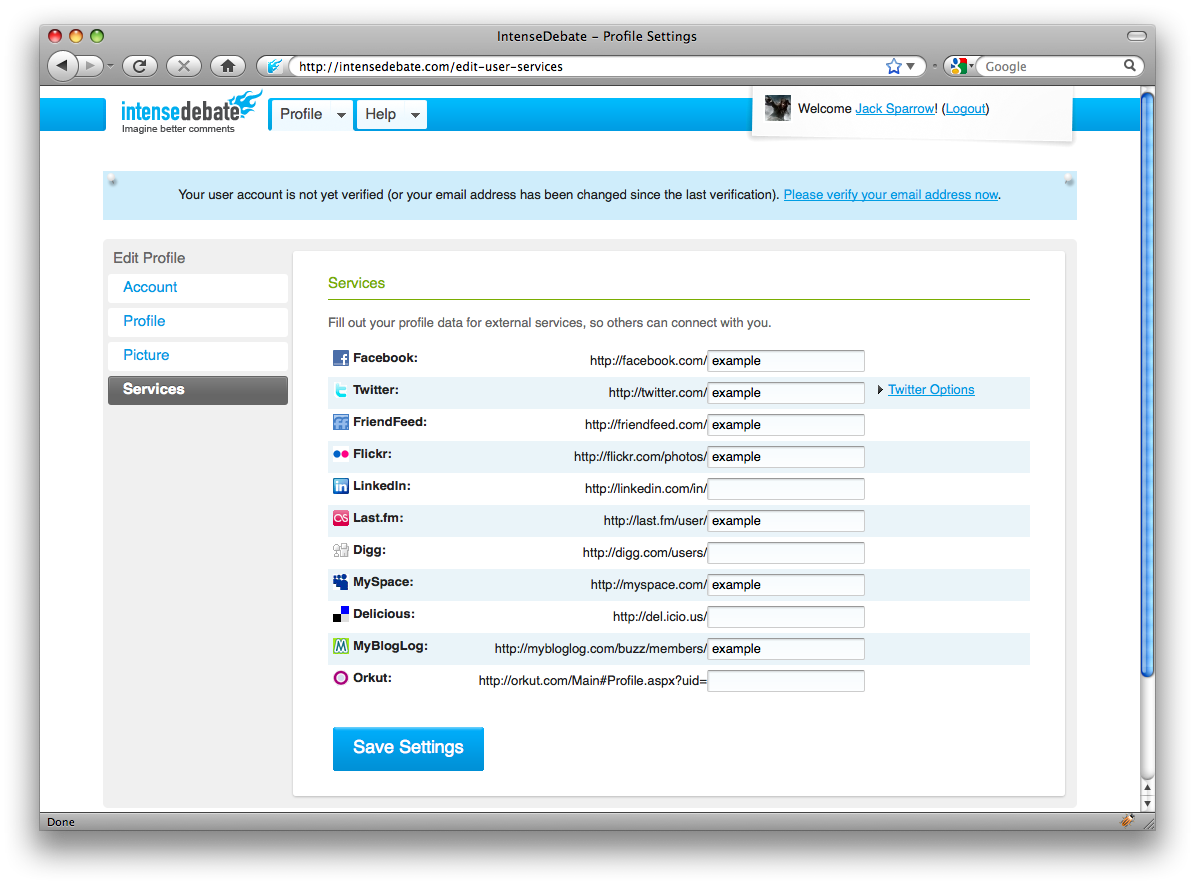
It’s all about the layout. On our old profile pages we just crammed in as much as we could. We would release new features like our Twitter integration (tweet this & latest tweets) or our Gravatar support and we would squeeze it into the old page. Now we’ve organized it a bit more sensibly. In your Profile Panel you’ll find the following:
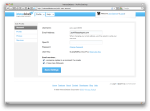
- Account Page: here you can manage your basic account settings like your username, email address, OpenID, password, and email notification options.
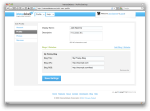
- User Profile Page: your display name, profile description, and your personal websites (linked to in your profile) are all located here.
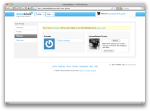
- User Picture: manage your Gravatar or IntenseDebate avatar.
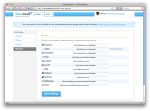
- Services: this is where you can manage all of your 3rd party services that you link to in your profile, as well as your Twitter account integration.
We think you’ll agree that this is a major improvement. Hats off to Isaac and Jon for their work! Keep an eye for more changes as we continue to make our way across IntenseDebate.com. 🙂
-
-
Account tab
-
-
Profile tab
-
-
Picture tab
-
-
Services tab
Posted by Michael Koenig in features
10
Sep
2009
Wow, you’ve really answered our call for help with translating IntenseDebate. In just 1 week we have received 49 volunteers translating IntenseDebate into 26 languages! And even cooler yet, Dutch, French, German, Brazilian Portuguese, Russian, and European Spanish translations have come in for review by your fellow Iñtërnâtiônàlizætiønër’s!
So far this has been one of the most rewarding projects I’ve had the opportunity to be involved with. There are so many moving parts, it’s beautiful to see everyone coming together. Several languages have drawn numerous volunteers, and our Iñtërnâtiônàlizætiønër’s are collaborating and exchanging .po files from across the world. It’s super-cool to watch. 🙂
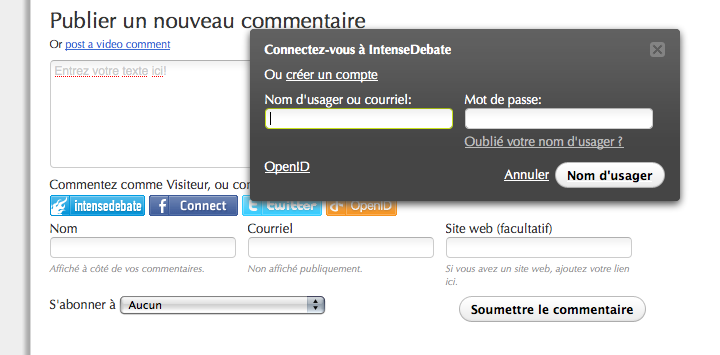
Here’s a sneak-peek at the French translation in action:

There’s still a lot that needs to be accomplished on our end before we can roll these translations out for use, but thanks to your help we’re making major progress! Please keep the translations coming!
So far we’ve received volunteers to help translate these languages:
| Arabic |
Hungarian |
European Portuguese |
| Bahasa Indonesia |
Italian |
Russian |
| Danish |
Japanese |
Slovak |
| Dutch |
Korean |
Slovene |
| Egyptian Arabic |
Lithuanian |
European Spanish |
| Filipino |
Malay |
Latin American Spanish |
| French |
Norwegian |
Swedish |
| German |
Persian |
Turkish |
| Greek |
Brazilian Portuguese |
|
Don’t see your language? Give us a hand!
If you’re interested in getting involved, now is the perfect time! Please email us at labs@intensedebate.com for information. Ideally we’d like to have at least two Iñtërnâtiônàlizætiønër’s working together for each translation. Thanks!
Posted by Michael Koenig in features,News
8
Sep
2009
Brilliant comments have been submitted across IntenseDebate. But once in a blue moon someone submits a great comment that’s perfect except there’s a typo or a curse word containing non-alphabetic ch@racter$ that slipped through your profanity filter! Unfortunately when this happened the only available options were to leave the comment up or delete it. Until now…
We’re extremely excited to introduce the latest enhancement to your IntenseDebate comments, Admin Comment Editing.
Now you can edit the details of all comments on all posts on your site (if you’re a site admin of course). No more letting your users run wild, unless you’re into that sort of thing. 😉
Comment Edit links are located in two different places in your account at IntenseDebate.com: your Moderation page, and your Comment History page (for editing comments that have already been posted). If you are using our WordPress Plugin, you will find a link to edit comments in your WordPress admin panel.
Please note: you will not be able to edit user info for authenticated comments (like those posted using an IntenseDebate, Twitter, or Facebook account).
We built this feature based on your feedback, so keep it coming. We’ve always got an eye out for cool ideas and we’re always listening, so please feel free to share your thoughts with us. If you haven’t given IntenseDebate a try yet, there’s no better time than now. Get started!
Posted by Michael Koenig in features


 Facebook Share Button



 IntenseDebate - Official Blog