We’re excited to introduce a new enhancement for our Facebook Connect implementation: share comments back to Facebook. We recently rolled this out, so if you use Facebook Connect to post comments in IntenseDebate then you might have noticed this.
Our Facebook Connect integration is a cool way to let your readers post comments using their Facebook profiles. With our latest enhancement they can now opt to share their comments with their Facebook friends when they post using Facebook Connect. Just like our “tweet this” Twitter integration, this is a great way to get your friends in the debate and drive new traffic to your blog and comments.
When you’re logged into Facebook Connect you’ll notice a new “Share on Facebook” checkbox just below the comment textbox on the right. Select that when you post using your Facebook Connect account and you’ll have the option to customize the text that you post back to Facebook.
Last week I was in Manila where I was lucky enough to attend WordCamp Philippines on behalf of Automattic (our parent company) and IntenseDebate. In case you’re not familiar with it:
WordCamp is a conference that focuses on everything WordPress. WordCamps are informal, community-organized events that are put together by WordPress users like you. Everyone from casual users to core developers participate, share ideas, and get to know each other. WordCamps are open to WordPress.com and WordPress.org users alike.
I had a chance to speak to a group of around 150 Filipinos who are really into blogging (and WordPress in particular) which was a great honor and also great fun (I was the first speaker of the day!). My trip was rather timely now that we’re working to localize IntenseDebate, and it was especially fitting since a Filipino translation of IntenseDebate came in just days before I left!
Mozilla co-hosted the event, providing sponsorship as well of one of the speakers, Seth Bindernagel, Director of Localization at Mozilla. Seth delivered a presentation titled “A quick look into the Mozilla community through the lens of localization” which was right up my alley. I got a chance to talk to him at the event and will be spending a little bit of time with him in the near future to explore Mozilla’s approach to localization for projects like Firefox, Thunderbird and SeaMonkey. As we continue forward with our localization, we will be looking at how we can take some of the lessons they learned and apply them to IntenseDebate.
By leveraging the experience of one of the biggest and most successful open source projects (other than WordPress of course!), we’ll be able to make the localization process easier for you and us, and make IntenseDebate a more “native” experience for everyone.
Please keep an eye on our blog for an upcoming post detailing the latest progress on our localization project.
And now to close out my post, I thought I’d share one of my experiences with the local cuisine: my first taste of a balut. (I’m the one on the left. 😉 ) Check out my full post on my blog.
We’re excited to introduce two new IntenseDebate Plugins: AddThis and Facebook Share buttons for your posts!
Facebook Share Button
The Facebook Share button provides your readers with an easy way to share your blog post with all of their Facebook friends. Now you can install the Facebook Share Button with one click through your IntenseDebate Plugins page. Hats off to Dog Lover for developing this plugin! Make sure you check out Dog Lover’s other plugin, TweetMeme Retweet Button.
AddThis Share Button AddThis is a bookmarking and sharing service. Enabling the AddThis button gives your readers the ability to share your blog post with their friends through a variety of online services (in addition to Facebook). Many thanks to tylerabell for his contribution!
We love offering new ways to enrich your blog and comment section with additional third party services with just a simple mouse click. Just like our other IntenseDebate Plugins, like PollDaddy Polls, Seesmic Video comments, Smiley, and YouTube (among others), there’s no need to mess around with any code in your template. We do it for you. All you have to do is activate it!
Our last blog post announced our redesign of the Edit Profile pages where you manage your IntenseDebate user account. We’ve continued to make our way across other pages in your IntenseDebate.com account, and we’re pleased to introduce our latest redesigns of your account Dashboard and Following pages.
Your Dashboard has had an overhaul and a bit of a face lift to match the new design style, while the Following page has been reorganized and is now easier to maintain.
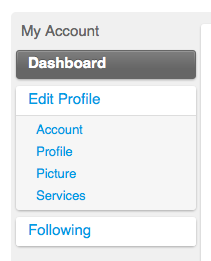
One of the most noticeable changes to the layout is the sidebar. We’ve added additional tabs to the sidebar for your Dashboard and Following pages, which we think drastically improves ease of navigation. This is a theme that you will continue to see as we set our sights on your blog admin pages.
The coolest part about our redesign is that this is giving us a chance to cleanup and update our CSS and other background code, which fits in with our future plans for localizing IntenseDebate.com. We have just begun our localization project for the comment section interface, so localizing IntenseDebate.com is a longer-term project. Keep an eye out for another localization progress update coming soon.
We’re rolling this out slowly to minimize shell-shock that normally accompanies major interface changes. We’re always interested in feedback, so let us know what you think about the redesign.
One of our ongoing projects has been revamping all of the useful pages in your account at IntenseDebate.com. We’ll be the first to admit it, there’s a ton of awesome features in your profile but they need to be better organized so you can find them all! We don’t want you to be overwhelmed with too many sudden changes, so we’ve been rolling out small changes over the past several weeks, some of which have likely gone unnoticed, until now…
We have released two major changes. The first is our stylish new home page at IntenseDebate.com. Since you have to be logged out of your IntenseDebate account in order to see the front page (click here to logout), you might not have noticed that one. But, the next change you will undoubtedly notice when you’re logged into your account, and that’s your shiny new Edit Profile page.
So what’s new?
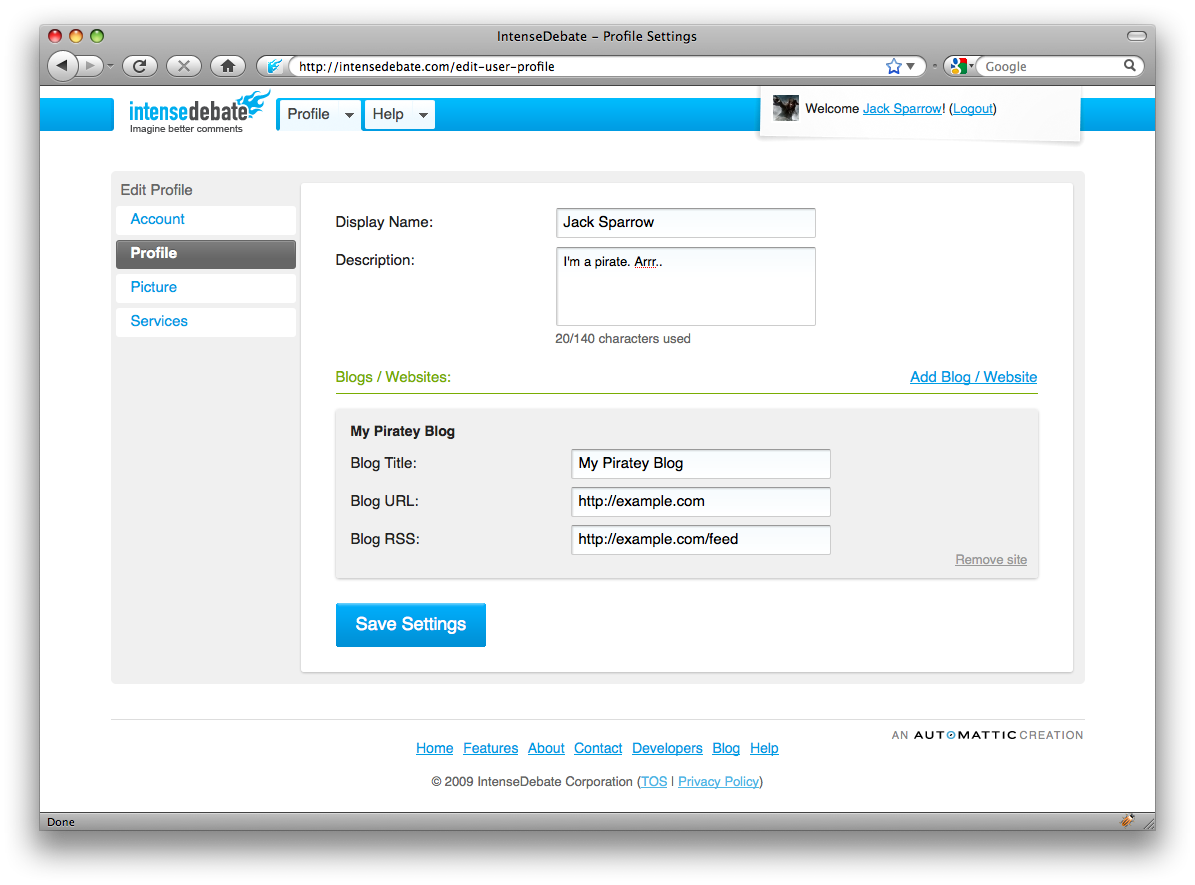
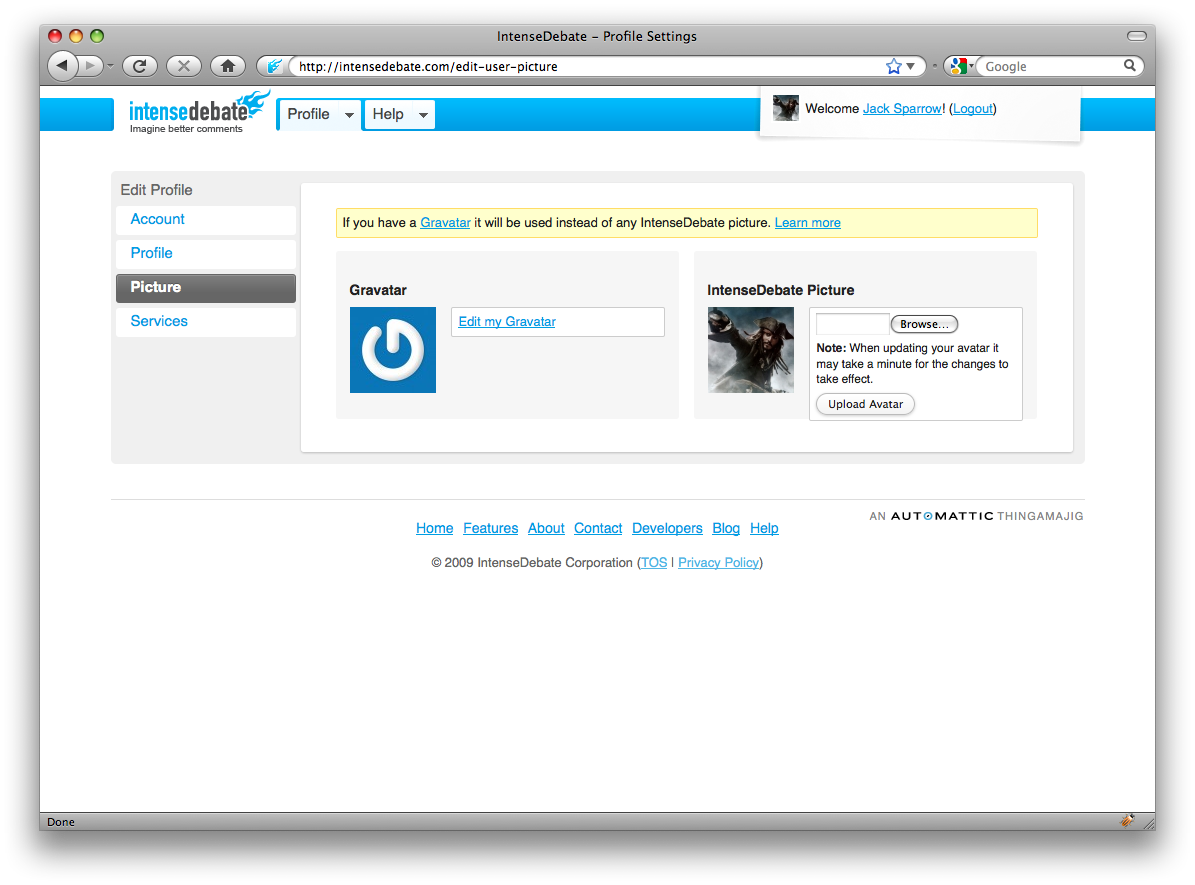
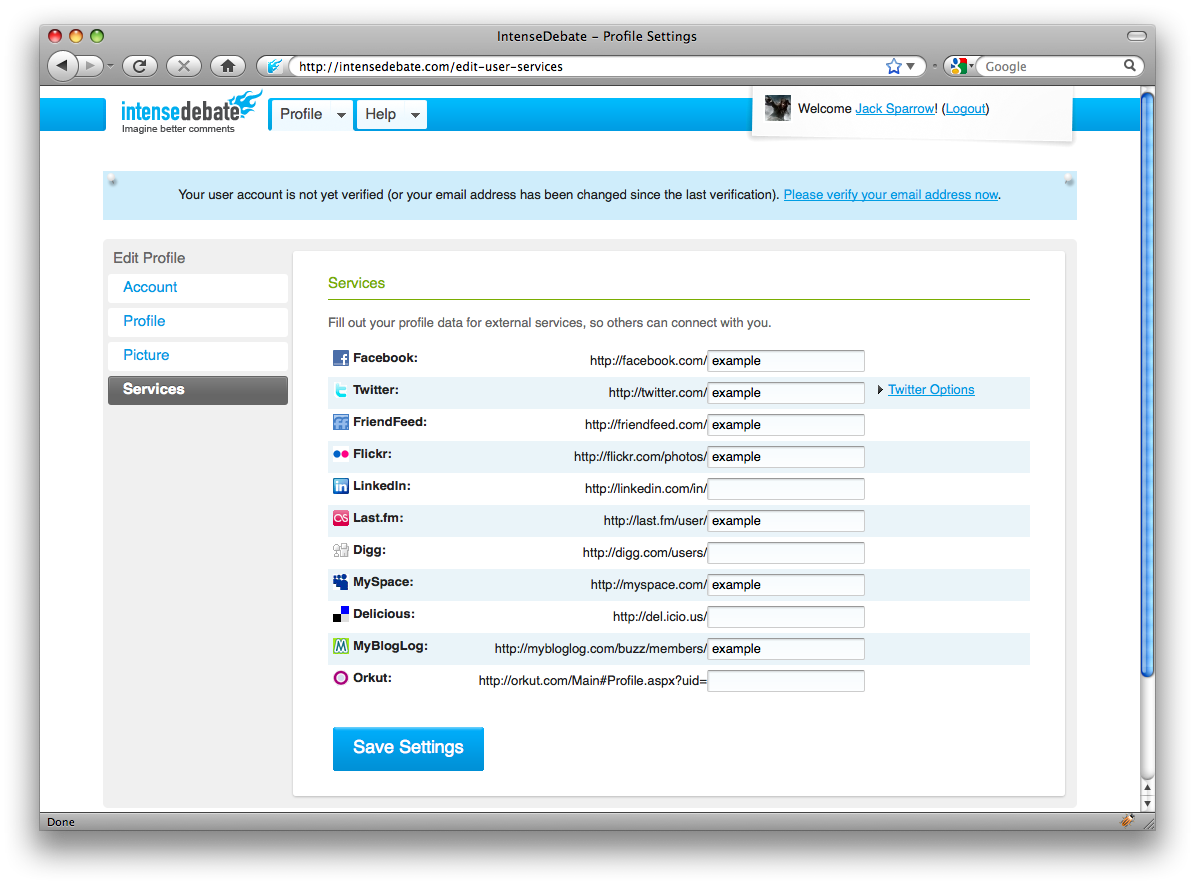
It’s all about the layout. On our old profile pages we just crammed in as much as we could. We would release new features like our Twitter integration (tweet this & latest tweets) or our Gravatar support and we would squeeze it into the old page. Now we’ve organized it a bit more sensibly. In your Profile Panel you’ll find the following:
Account Page: here you can manage your basic account settings like your username, email address, OpenID, password, and email notification options.
User Profile Page: your display name, profile description, and your personal websites (linked to in your profile) are all located here.
Services: this is where you can manage all of your 3rd party services that you link to in your profile, as well as your Twitter account integration.
We think you’ll agree that this is a major improvement. Hats off to Isaac and Jon for their work! Keep an eye for more changes as we continue to make our way across IntenseDebate.com. 🙂




 IntenseDebate - Official Blog